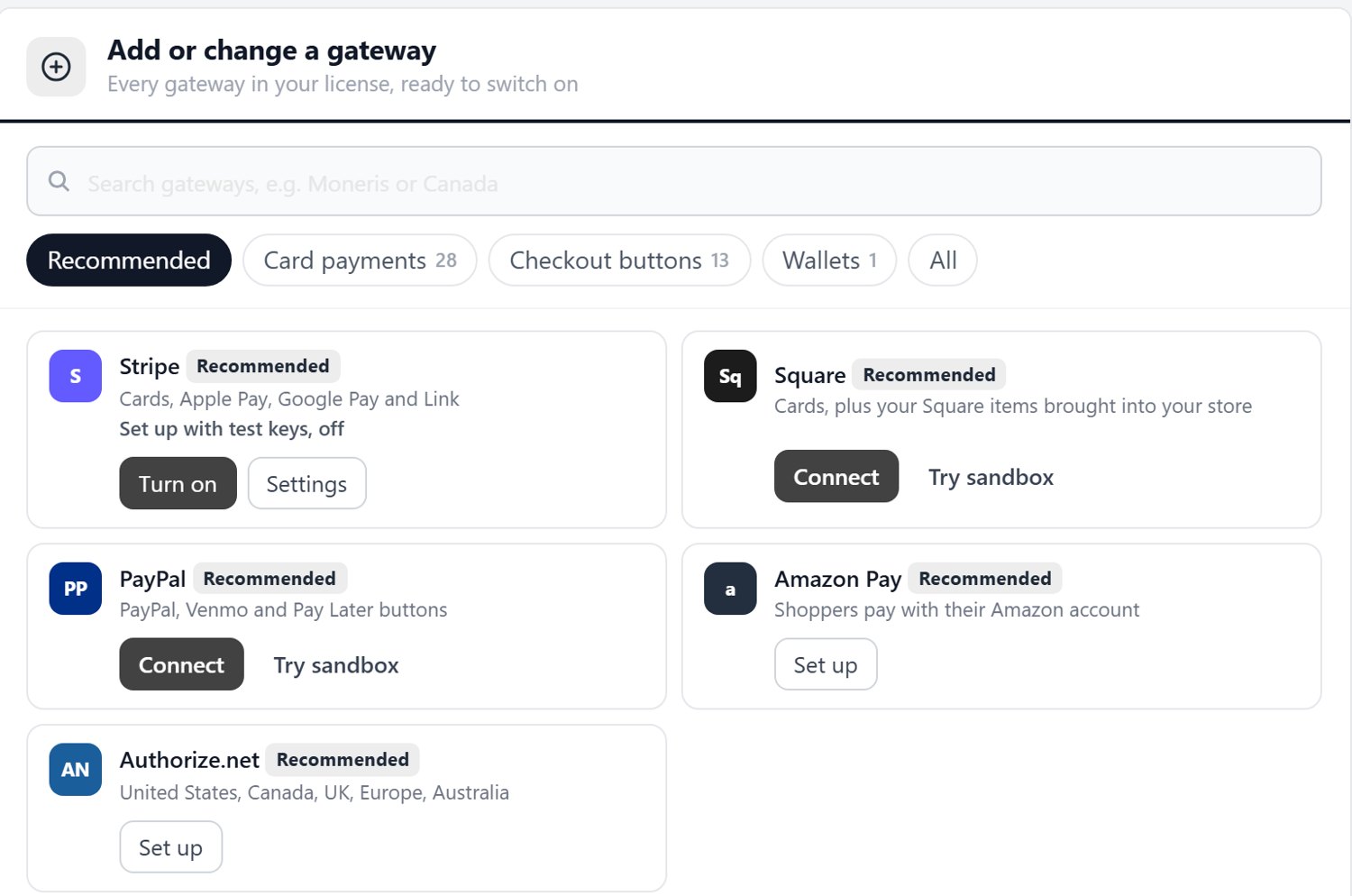
Connect Stripe in one click and take cards today. With PRO, add Apple Pay, Google Pay, Link, buy now pay later and the local payment methods your customers already use, plus Stripe subscriptions.
1 clickStripe Connect20+payment methods with PRO0%WP EasyCart fee with PRO
Cards in every edition. PRO adds Apple Pay, Google Pay, Link, Klarna, Afterpay or Clearpay, Affirm, iDEAL, Bancontact, EPS, Przelewy24, SEPA and BECS Direct Debit, Alipay, WeChat Pay and more. Stripe shows each one only where it’s available.
Can I sell subscriptions with Stripe?
Yes, with PRO. Subscriptions bill through Stripe, with option sets, shipping and tax.
Is there a WP EasyCart fee?
The free plugin adds a 2% WP EasyCart fee to Stripe payments. PRO removes it. Stripe’s own processing fees apply as usual.
Stripe + WP EasyCart
Get paid your customers’ way.
Install free, connect Stripe and start taking payments today.

 WP EasyCart+