
What’s newCard-testing protection now guards every store, Free included. See checkout
Features › Elementor
Product pages, the shop, the cart, checkout and the customer account, all drag and drop. You change how it looks; prices, stock and orders keep working exactly as before. Right inside your WordPress store.



A shop that looks bolted on loses trust at the moment a shopper is deciding whether to pay.
WP EasyCart adds four groups to the Elementor panel: Product, Shop, Cart & Checkout and Account. Drag in an Add to Cart button, a product gallery, a filtered shop grid, a menu cart or the whole My Account area, and style each one like any other widget.


Build one Elementor template for product pages and one for category pages, and WP EasyCart uses them store-wide, with no Elementor PRO Theme Builder needed. Start faster with five starter pages: shop, cart, checkout, My Account and order confirmation. With PRO, give a single product or category its own layout.
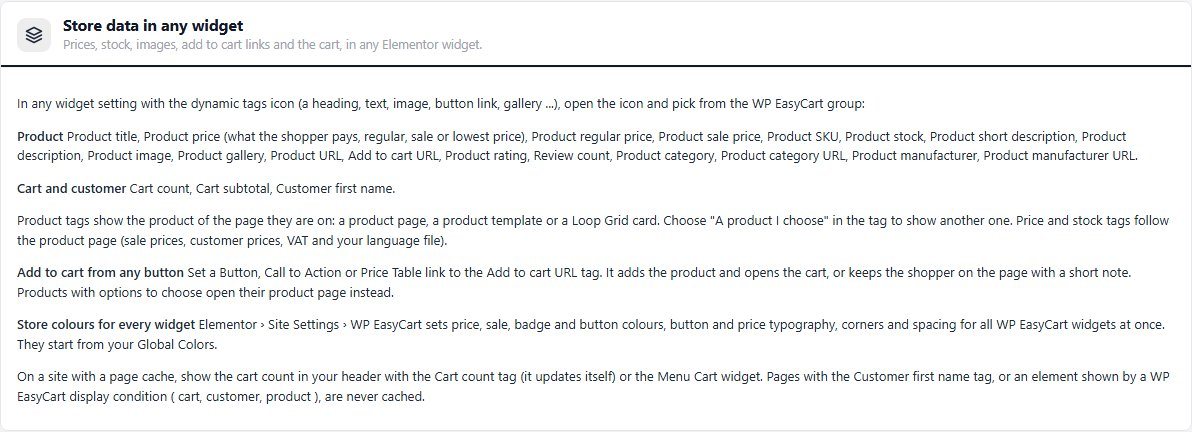
25 dynamic tags pull product, cart and customer data into Elementor’s own widgets: a price in a heading, stock in a text box, an add-to-cart link on any button. Set price, badge and button styles once under Site Settings and every WP EasyCart widget follows.

Elementor is optional. Set your colors, font, product grid, columns per screen size and square or rounded corners in Settings › Design, add your own CSS, or place the store with Gutenberg blocks and shortcodes.
Start with the free WordPress shopping cart plugin and add what your store needs.
In their own words, from WordPress.org reviews.
“Their solution is not only comprehensive, it is highly compatible with third party themes and plugins, and there’s always fantastic support.”
mimi3202WordPress.org review, 2024
“I like the look a lot, and it works with my theme.”
JerrytheMouseWordPress.org review, 2021
“Also as a graphic designer, I find their online store to be beautifully designed, as well as their checkout pages.”
clarkagWordPress.org review, 2019
No. Every WP EasyCart widget, the starter pages and the product and category templates work with the free Elementor. Elementor PRO is optional: with it you can also use the Theme Builder, Loop Grid with store products and WP EasyCart display conditions.
49, in four groups in the Elementor panel: Product (17), Shop (12), Cart & Checkout (6) and Account (14). All are in the free plugin except Side Cart, which needs PRO.
Yes. Put the Cart, Checkout and Order Confirmation widgets on your cart page, and each shows at its own step. PRO adds control over the Checkout widget’s layout, sections and totals lines, and the Side Cart widget.
Yes, with PRO. The free plugin uses one product template and one category template for the whole store. PRO adds a Page layout card to each product and category so one can have its own design.
Yes. Every store page works with the standard layouts, Gutenberg blocks or shortcodes. Settings › Design sets your colors, font, product grid and custom CSS so the store matches your theme.
No. WP EasyCart widgets are never cached, so prices, stock and carts stay current. Leave each widget’s cache setting on Default and exclude your cart and account pages from any page cache plugin.
Install the free plugin and every WP EasyCart widget is waiting in Elementor, or try PRO free for per-product layouts and the Side Cart.
★★★★★ 4.5 from 226 public reviews865,000+ downloads25+ years building ecommerce