
What’s newFind any order, customer, product or setting with one admin search. See all features
Features › Tax and international selling
Tax set up for your country in one click, VAT and GST with reduced rates and the EU One-Stop Shop, and prices, receipts and addresses that follow local rules. Right inside your WordPress store.

Every country has its own rates, number checks and price rules, and getting one wrong costs you money or a fine.
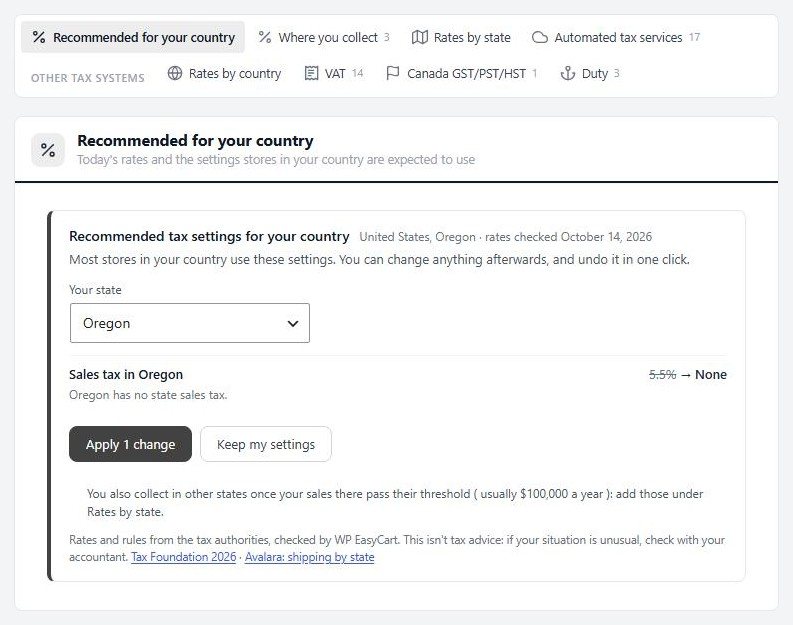
Pick your country and WP EasyCart shows the tax settings stores there are expected to use, with today’s rates and a list of what changes. Apply them in one click, keep your own, or undo later. It covers the US, Canada, the UK, every EU country, Australia, New Zealand and more, in the setup wizard and in Settings › Taxes.
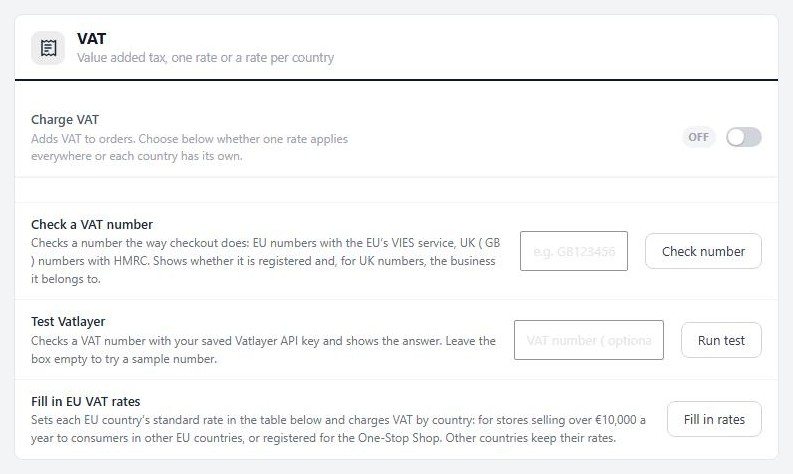
Sell across the EU below the €10,000 threshold or through the One-Stop Shop, with every EU country’s standard rate filled in for you. Give chosen products a reduced or zero rate, with a rate for each country where it differs. VAT numbers are checked with the EU’s VIES service, HMRC for UK numbers, or Vatlayer before the business rate applies. Stores in Australia, New Zealand and other GST countries see GST in place of VAT.
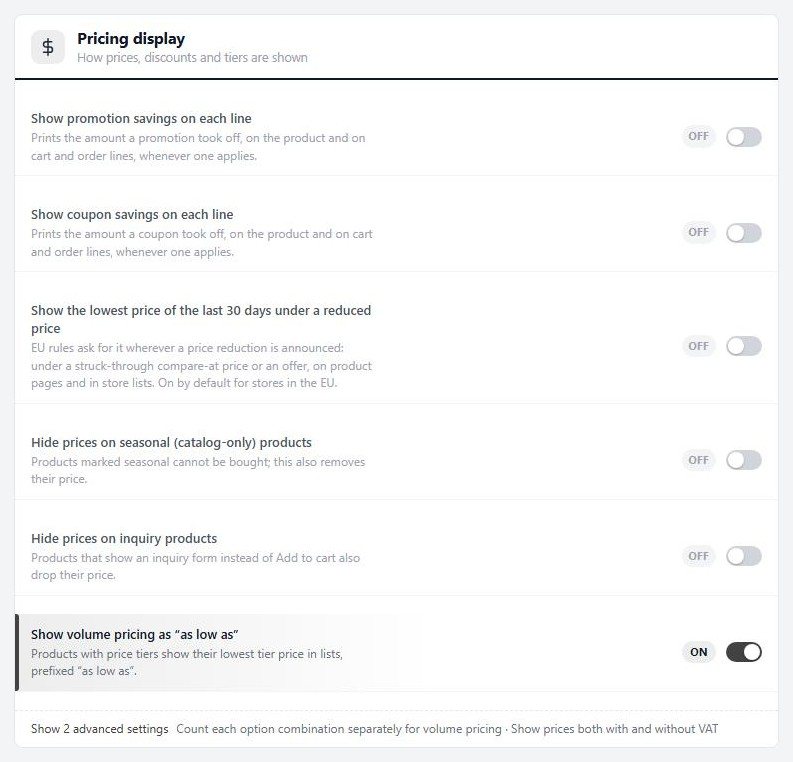
Show a unit price beside the price, such as €13.27 / kg, and the lowest price of the last 30 days under a reduced price, as EU pricing rules require. The order button says Place order and pay, and your registered business name, address and tax number print on receipts and shipped emails. With PRO, invoices carry them too, titled Tax invoice for Australian stores.
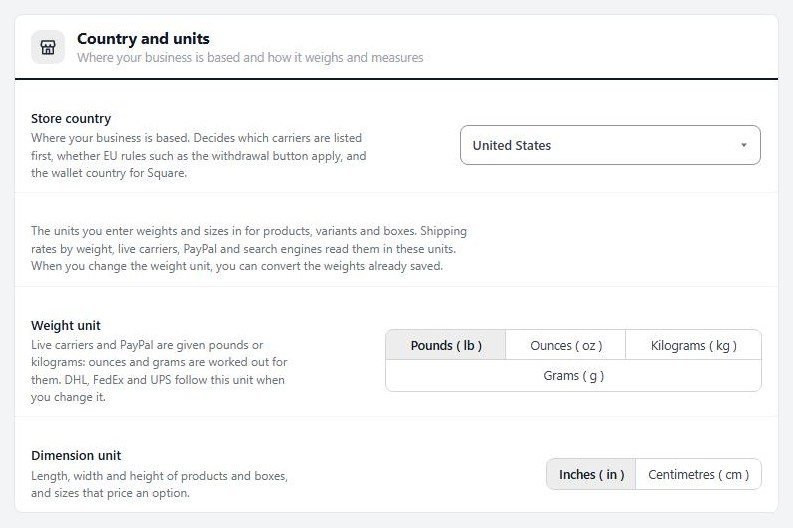
Set your store’s country and units in Settings › Store details, including ounces and grams with a one-click conversion of saved weights, and write prices the way your country does, such as 1 234,56 €. Address forms ask for the region and postcode the way each country does, and the Payments page and shipping settings lead with the gateways and carriers that serve your country.
Start with the free WordPress shopping cart plugin and add what your store needs.
Each one installs in a click from EasyCart › Extensions.
Calculates sales tax at checkout and records every order in Avalara, so your returns include your store’s sales.
Yes, in every edition. Pick your country and WP EasyCart recommends the VAT settings for it. EU stores can charge VAT by country below the €10,000 threshold or through the One-Stop Shop, give chosen products a reduced or zero rate, and check VAT numbers before the business rate applies.
Yes. Settings › Taxes can fill in every EU country's standard rate and charge VAT by the shopper's country, for stores over the €10,000 threshold or registered for the One-Stop Shop. Your other countries keep their own rates.
EU numbers are checked with the EU's VIES service and UK numbers with HMRC, the way checkout does, before the business rate applies. You can also use a Vatlayer API key.
Yes. The product editor's Tax section gives a product a reduced, second reduced or zero rate, with a rate for each country where it differs, and receipts and invoices list the tax rate by rate.
Yes. Stores in Australia, New Zealand and other GST countries see GST in place of VAT, with the recommended rate for their country. With PRO, Australian invoices are titled Tax invoice.
Yes, in every edition. Turn on the setting in Settings › Products › Pricing display and the lowest price of the last 30 days shows under any reduced price, on product pages and in store lists. It is on by default for stores in the EU.
Every edition recommends the settings for your state and charges a rate per state. PRO adds live US sales tax from TaxCloud or TaxJar, and Premium adds Avalara AvaTax. Start with setting up sales tax and VAT.
Install the free plugin for tax set up for your country, or try PRO free for live US sales tax and invoices.
★★★★★ 4.5 from 226 public reviews865,000+ downloads25+ years building ecommerce