
What’s newFind any order, customer, product or setting with one admin search. See all features
Features › AI assistant
WP EasyCart brings AI to your WordPress store. Connect your own assistant, Claude, ChatGPT or Gemini, and ask in plain words: it sets up tax and shipping, changes settings and builds products. You see a preview and approve every change.

Tax, shipping zones, payment settings, product options: it’s the part where most new stores stall.
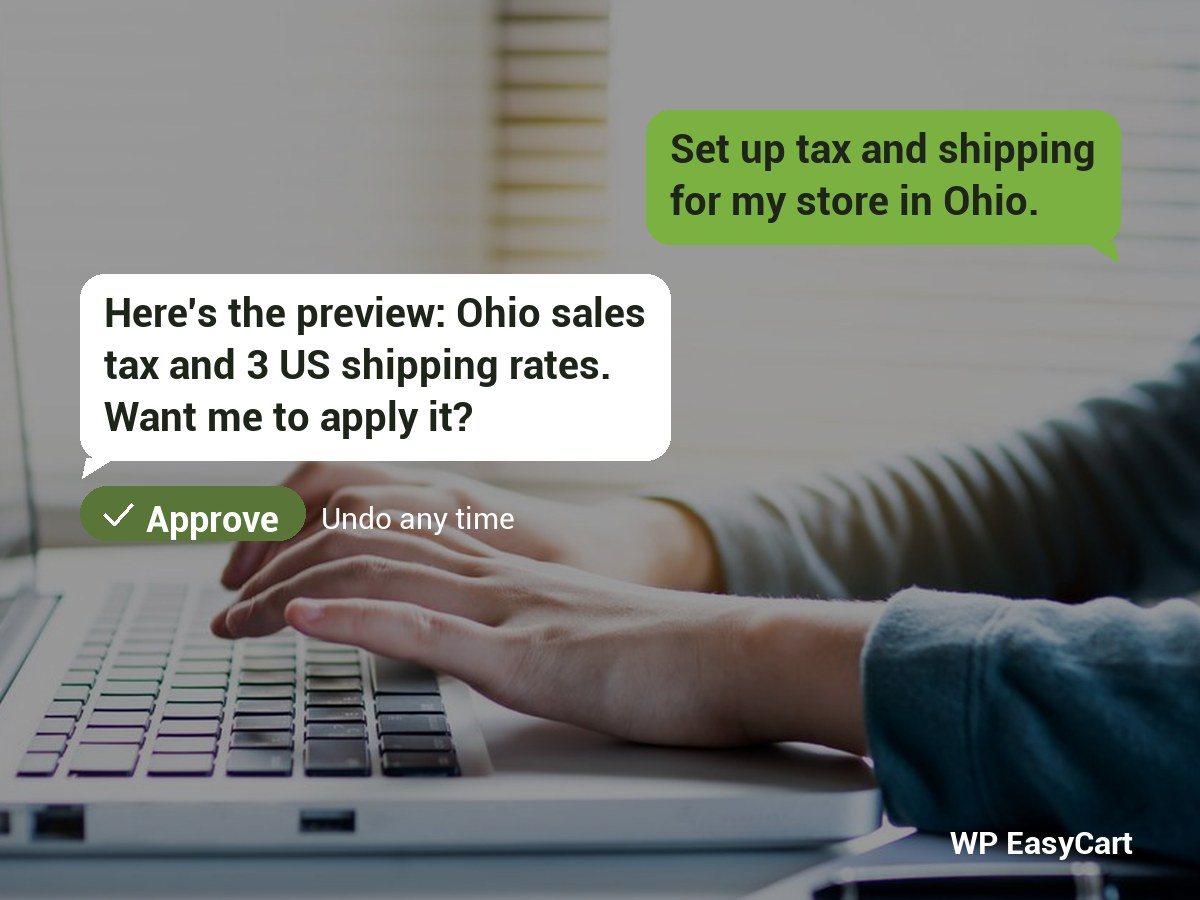
“Set up tax and shipping for my store in Ohio.” Your assistant checks where setup stands, works out the tax and shipping, and shows you exactly what will change. It can also draft your terms, privacy and returns pages from your own answers, and give your store the look of your site.
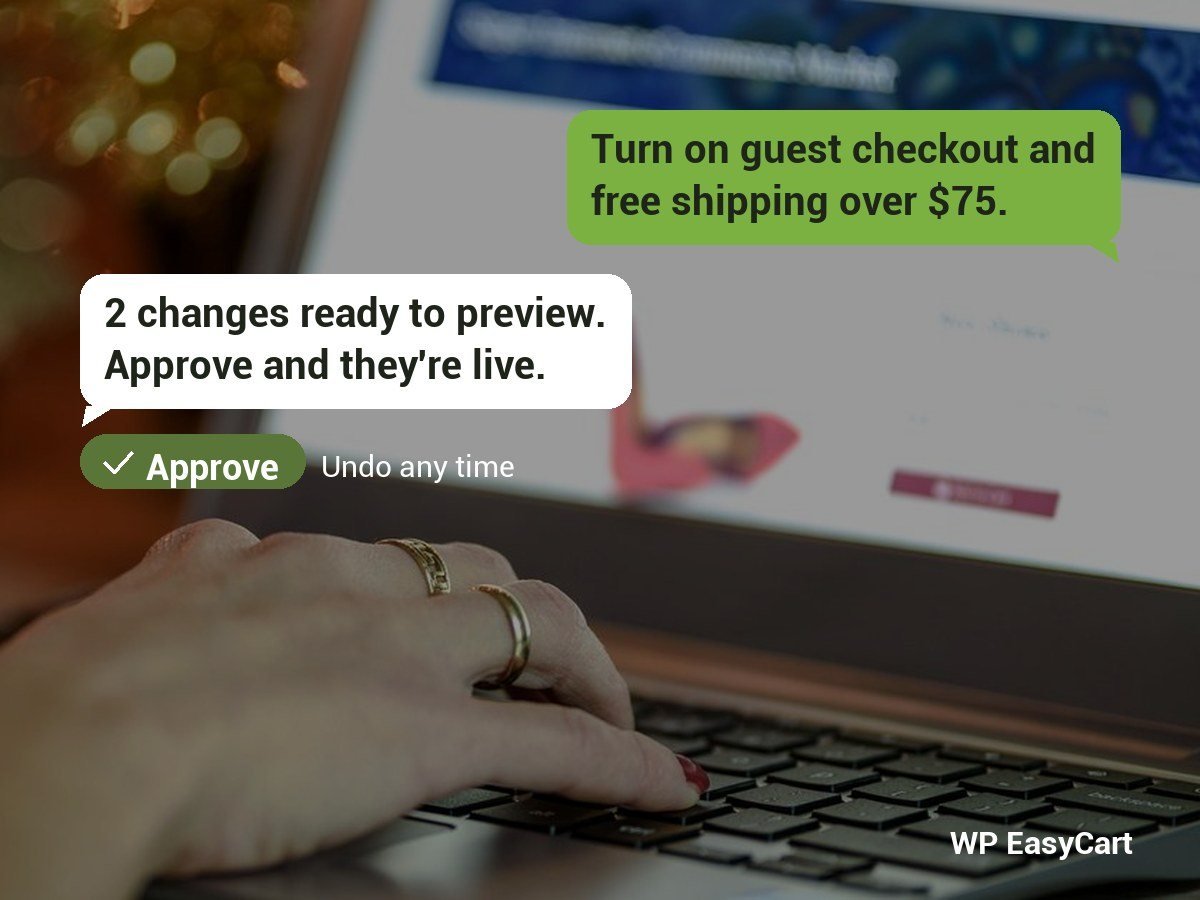
No more digging through menus for that one switch. “Turn on guest checkout.” “Add free shipping over $75.” Your assistant finds the setting, shows you the change and makes it when you say yes. Every change lands in Recent changes, with Undo.
“Add a rose bouquet, $45, in small, medium and large.” Your assistant builds the product with its options, stock, categories and photos, and saves it as a draft for you to check and publish. It can also bring products across from another store.


Reading the store is on; making changes stays off until you switch it on in Settings › AI assistants. Each change is previewed first and runs only once you approve it. The assistant acts as the WordPress user it signs in as, and every call is kept in the assistant activity log. Payment connections, refunds and deletes always stay with you.
Start with the free WordPress shopping cart plugin and add what your store needs.
Yes. Connect your own AI assistant to WP EasyCart and ask it to set up tax and shipping, change settings, add products, draft your policy pages or give your store its look. Each change is shown to you as a preview and runs only once you approve it.
Claude on any plan, including Free, ChatGPT Business and Enterprise / Edu (ChatGPT PRO can only read the store), and Gemini with a personal Google account in the US, in English. Claude Code and the Gemini CLI work too.
The connection is free in WP EasyCart. You need an account with the assistant you use. With PRO the assistant can do more, such as offers and phone orders.
No. Payment connections, refunds, cancellations and deletes are never offered to an assistant. Its answers for those are links for you to act on yourself.
WP EasyCart, WordPress 6.9 or newer, the free MCP Adapter plugin from wordpress.org (one click from Settings › AI assistants), HTTPS, pretty permalinks and application passwords switched on.
Copy your store's MCP server address from EasyCart › Settings › AI assistants, add it to your assistant as a custom connector, sign in to WordPress and press Allow. The full steps are in how to connect an AI assistant to your store.
Install the free plugin and connect Claude, ChatGPT or Gemini, or try PRO free so your assistant can run offers and phone orders too.
★★★★★ 4.5 from 226 public reviews865,000+ downloads25+ years building ecommerce