What’s newFind any order, customer, product or setting with one admin search. See all features
Features › Store layouts
Show your products as a grid, a list, with filters, as category tiles or inside Elementor. Same products, seven looks, and every one is live on our demo store.
Show your catalog as a grid, a list, with filters, as category tiles or inside Elementor. Open any one in the live demo.
Three per row with price, rating and add to cart.
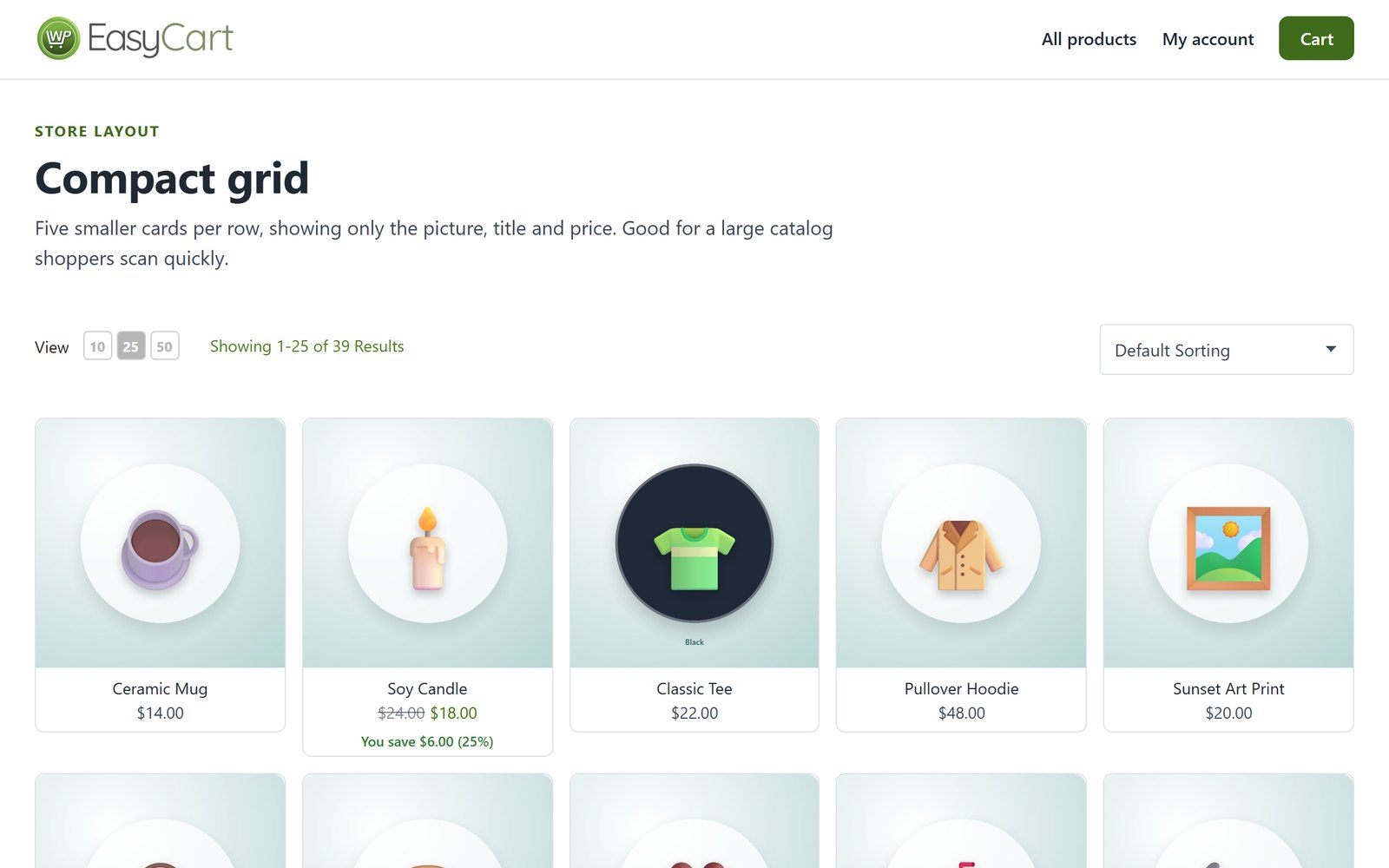
Five smaller cards per row for big catalogs.
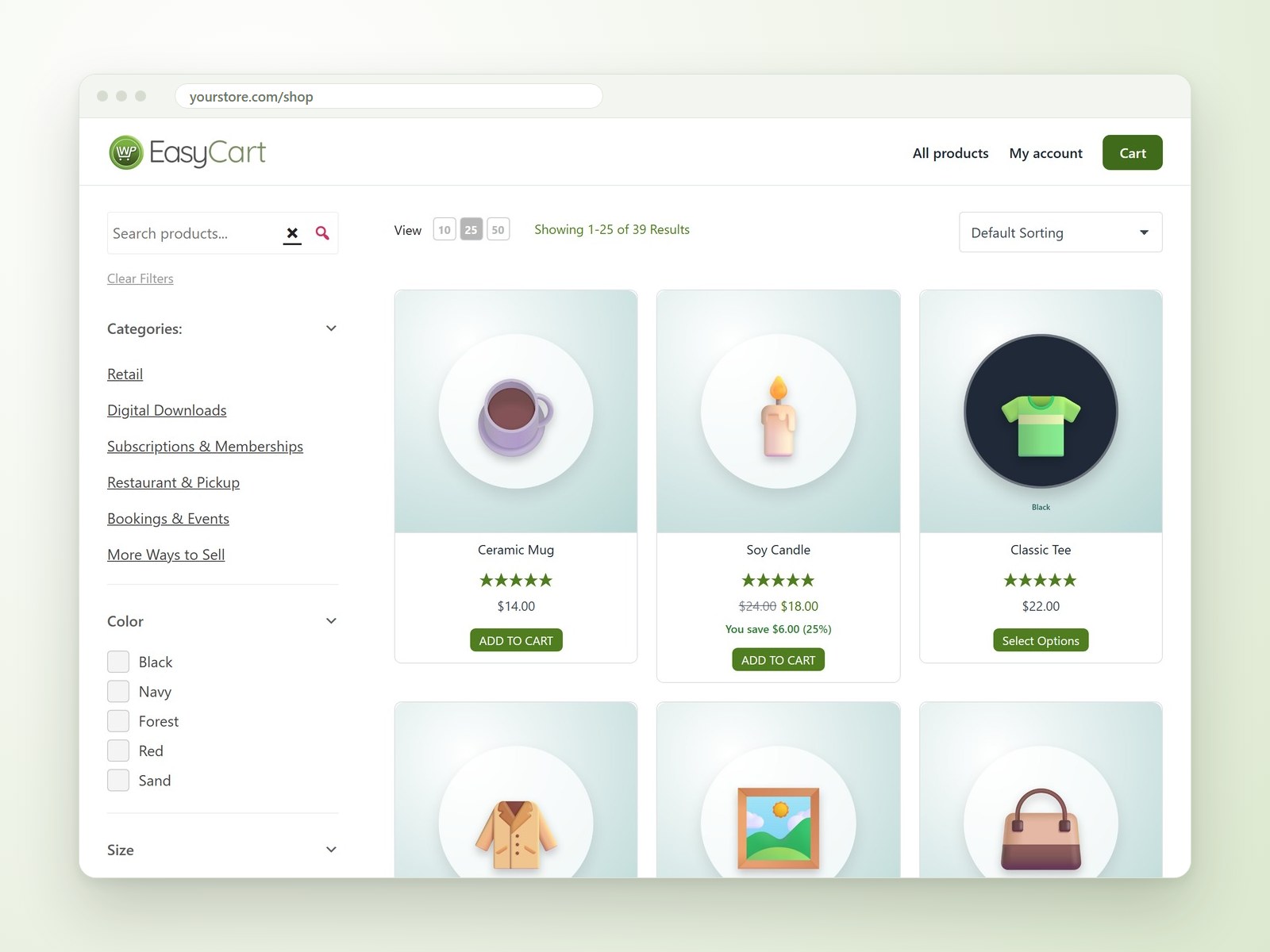
Search, categories, prices and options beside the products.
The same filters behind a button, full-width products.
One product per row with a short description.
Category tiles first, then a row of products.
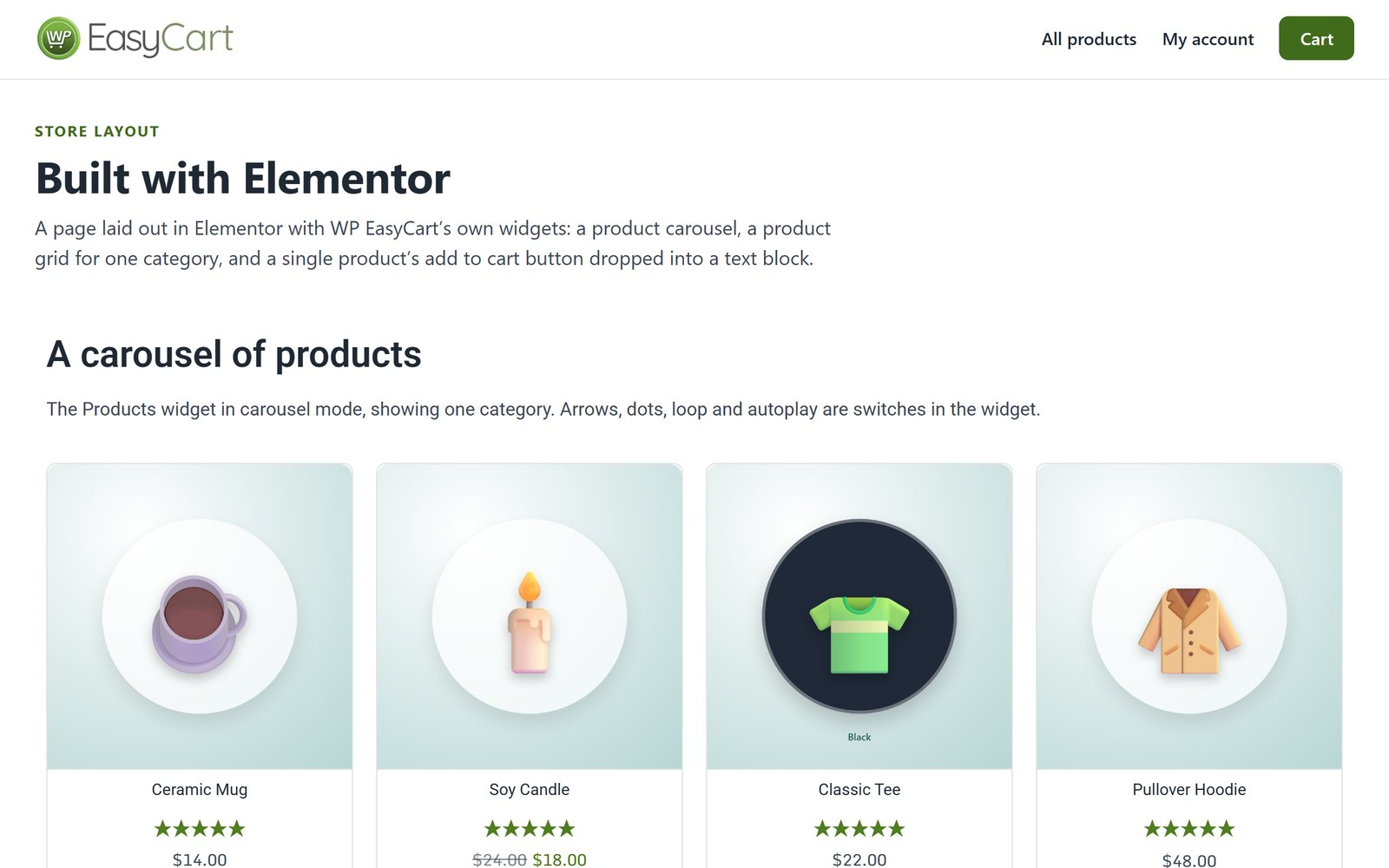
Carousels, grids and buttons placed with widgets.
Each layout below is running on our demo store. Open one and click around.
Three products per row with the picture, title, price, rating and an add to cart button. Sale prices and savings show right on the card.
See it live in the demo ↗
Five smaller cards per row with the picture, title and price. Good for a big catalog that shoppers scan quickly.
A filter column beside the products: search, categories, price ranges and option filters such as color and size.
The same filters behind a Filters button, so the products keep the full width of the page until a shopper opens the panel.
One product per row with its short description beside the picture. Good for products that need a little explaining.
Category tiles first, then a row of products. A natural home page for a store with several departments.
Lay out a page in Elementor with WP EasyCart widgets: a product carousel, a grid for one category, or a single add to cart button dropped into text.
Recurring billing and members-only content.
Order ahead with pickup times.
Role pricing, quotes, invoices and Net terms.
Install the free plugin for retail products and services, or try Pro free for downloads, subscriptions, gift cards and every other product type.
★★★★★ 4.5 from 226 public reviews865,000+ downloads25+ years building ecommerce